
I first started thinking about laptop box volume when a box that looked fairly small took up more room than I expected. The laptop itself was slim, but once the charger, protective inserts, cardboard walls, and extra padding were included, the package had a very different footprint. That made me realize that measuring the computer and measuring the box are two separate things.
I also found that there is no single number that works for every laptop box. The final volume depends on the box dimensions, the laptop size, the amount of protective material, and whether you are measuring the original packaging or a larger shipping box. For a quick estimate, though, many compact laptop boxes fall around a fraction of a cubic foot rather than taking up a full cubic foot of space.
How Many Cubic Feet Is a Laptop Box?
A typical laptop box can have a volume of roughly 0.25 to 0.45 cubic feet, although the actual figure varies by laptop and packaging design. A 16 × 12 × 4-inch box, for example, has a volume of 768 cubic inches, which works out to about 0.44 cubic feet.
That does not mean every laptop package will be close to 0.44 cubic feet. A thin laptop with minimal packaging may use a smaller box, while a gaming laptop with a large power adapter and more protective material may require more space.
The most reliable answer is always based on the dimensions of the specific box you have.
How to Calculate the Cubic Feet of a Laptop Box
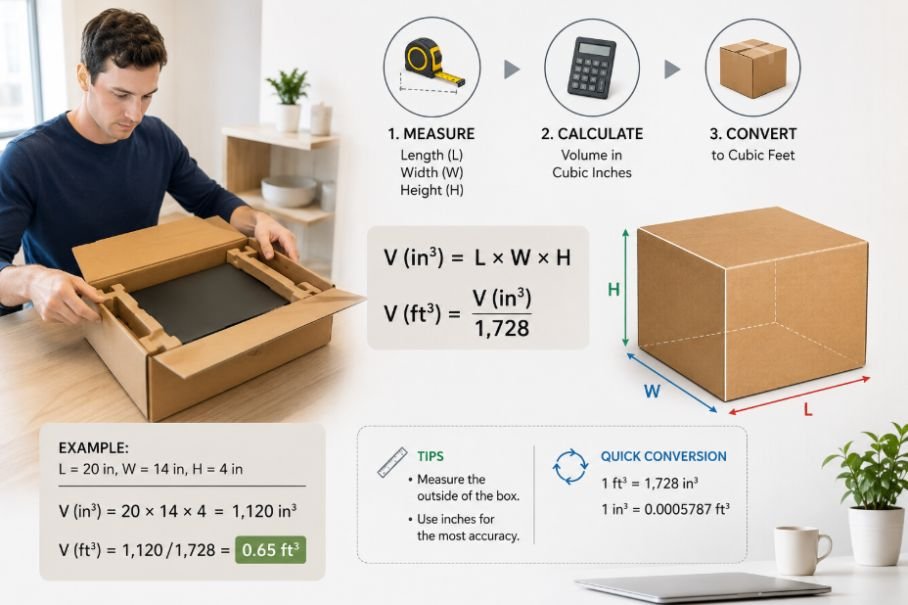
The calculation is straightforward when the dimensions are measured in inches:
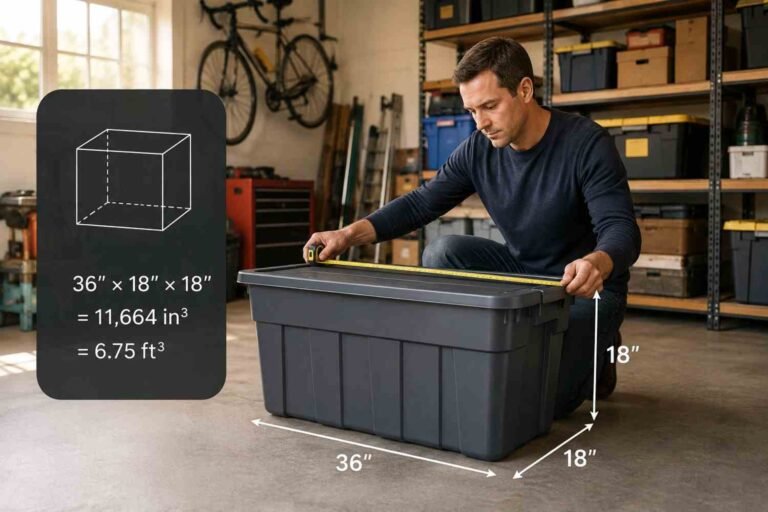
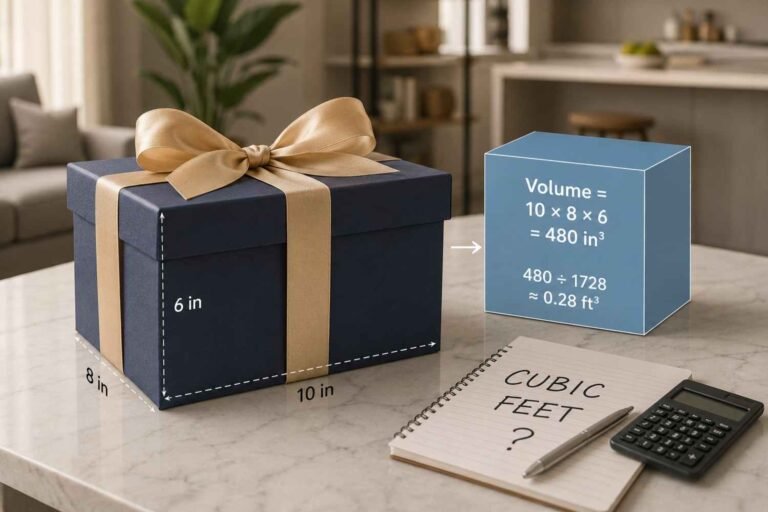
Length × Width × Height ÷ 1,728 = cubic feet
The number 1,728 comes from the fact that one cubic foot contains 12 × 12 × 12 cubic inches.
For example, suppose your laptop box measures:
- Length: 16 inches
- Width: 12 inches
- Height: 4 inches
Multiply the measurements:
16 × 12 × 4 = 768 cubic inches
Then divide by 1,728:
768 ÷ 1,728 = 0.44 cubic feet
So the box has a volume of approximately 0.44 cubic feet. The same formula works for practically any rectangular box, regardless of whether it holds a laptop, monitor, books, or other electronics.
Why Laptop Box Sizes Can Be Different
Laptop screen size alone does not determine box volume. A 13-inch laptop can come in packaging with very different dimensions from another 13-inch model.
The packaging may need room for the laptop itself, charging equipment, documentation, molded inserts, foam, cardboard supports, or other accessories. Retail packaging can also be designed around presentation rather than simply minimizing space.
Shipping packaging is another matter. If you are preparing a laptop for transportation, you may use a larger outer box with cushioning around the original packaging. That increases the overall cubic volume even though the laptop has not changed.
A compact 16 × 12 × 4-inch box is a useful reference point, but it should be treated as an example rather than a standard laptop-box size. Boxes with those dimensions are readily available for electronic equipment and other lightweight products, showing how a package in this range can provide a practical comparison.
How to Measure a Laptop Box Correctly
The easiest way to avoid a bad calculation is to measure the box consistently.
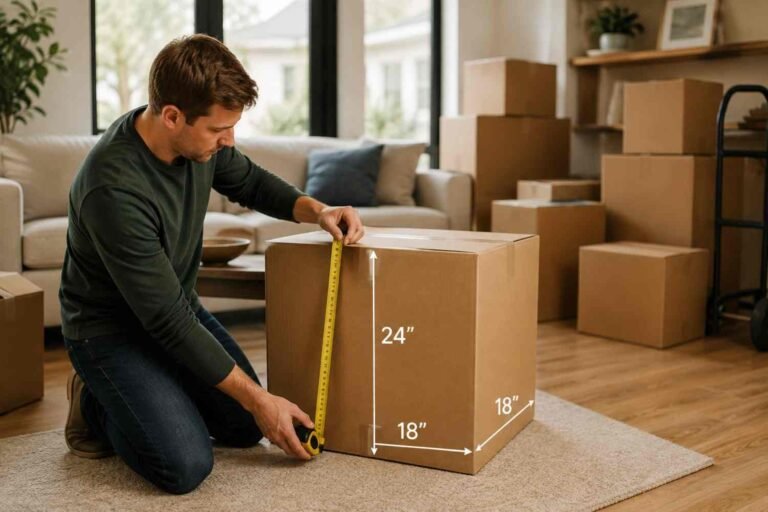
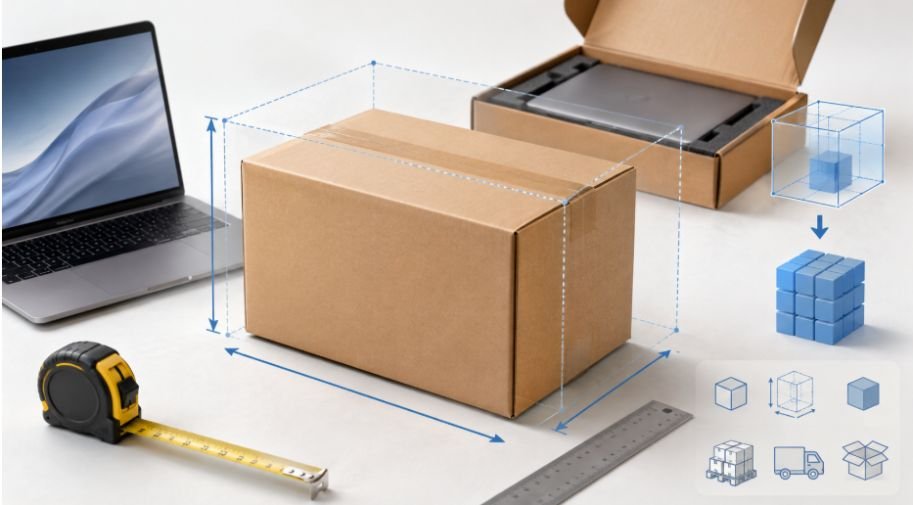
Start with the length. This is generally the longest side of the box with a flap edge. Then measure the width, which is the shorter side that also has a flap. Finally, measure the height from the bottom to the top with the box closed. Standard box-measuring guidance treats height as the side without the flap.
For example, if your box measures 18 × 13 × 4 inches:
18 × 13 × 4 = 936 cubic inches
936 ÷ 1,728 = 0.54 cubic feet
The important thing is to measure all three dimensions in the same unit before calculating volume.
Inside or Outside Dimensions: Which Should You Use?
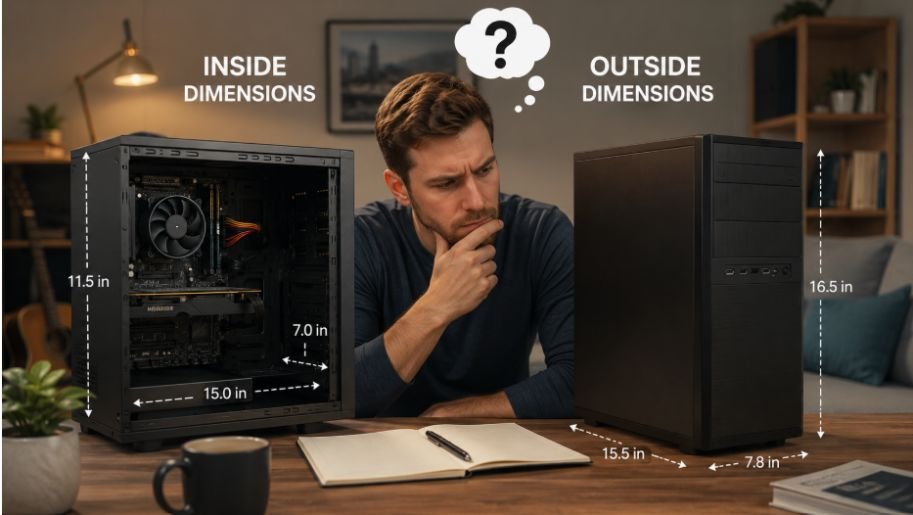
This depends on what you are trying to figure out.
If you want to know how much usable space exists inside the box, inner dimensions are more relevant. If you are estimating the space the package occupies during shipping, exterior dimensions are generally more useful.
The distinction matters because cardboard has thickness. A box listed as 16 × 12 × 4 inches internally can have larger outside dimensions. One current box example with 16 × 12 × 4-inch interior dimensions has exterior measurements of about 16⅜ × 12⅜ × 4⅝ inches.
So avoid mixing inner length with outer width or height. Pick one measurement method and stay consistent.
How Laptop Box Volume Affects Shipping
Cubic volume becomes more important when you are shipping a laptop rather than simply storing the box.
Carriers may consider dimensional or volumetric weight when determining shipping charges. This means a lightweight package can sometimes be priced based partly on the amount of space it occupies rather than only its actual weight. Larger packaging can therefore have a financial impact.
That is one reason right-sizing matters. You need enough room for proper protection, but excessive empty space can make the package larger without providing much additional benefit. Shipping guidance also recommends measuring the exterior of a fully packed box when determining its shipping dimensions.
If you are comparing the space requirements of different electronics, you may also find it useful to look at the cubic feet a computer monitor typically occupies. Monitor packaging tends to vary more because the display itself can be much wider and taller than a laptop.
Laptop Box Volume Compared With Other Computer Packaging
A laptop box is usually relatively compact because the device has a thin profile and can often sit close to the packaging walls. Desktop computers need more room because of their larger chassis, cables, accessories, and protective material.
A monitor can also require considerable packaging volume because its screen dimensions create a wider box even when the display itself is relatively thin.
If you are planning storage or transportation for several devices, calculating each package separately gives you a much better estimate than using the electronics’ advertised dimensions. The box is what occupies the physical space, not the device sitting inside it.
For a larger setup, knowing the cubic feet a desktop computer takes up can help you compare the difference between individual computer components and their shipping packages.
How to Reduce Unnecessary Space
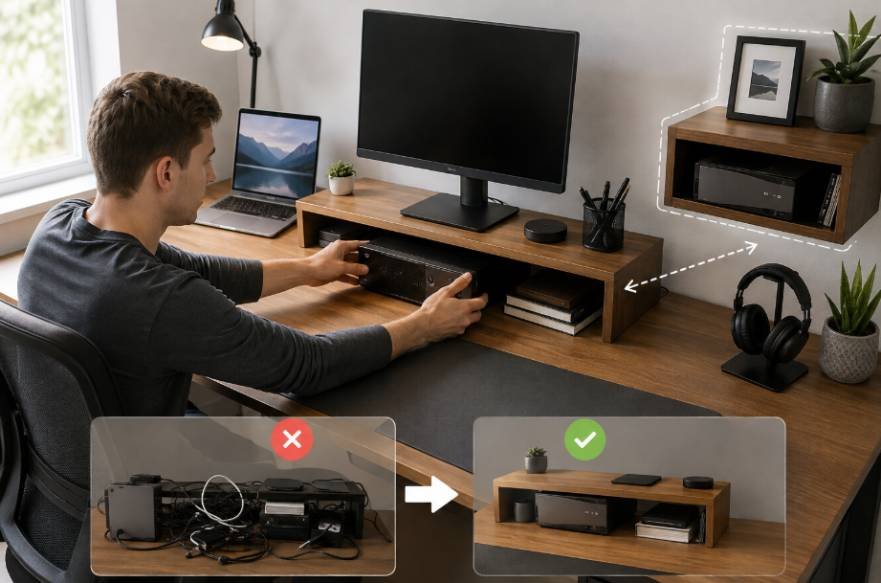
If you are packing a laptop yourself, the goal should not be to find the smallest possible box. The goal is to find a box that provides adequate protection without leaving excessive empty space.
A box that is too tight may not leave enough room for cushioning. One that is too large can allow the laptop package to move around during transportation and may increase dimensional shipping costs.
Use sturdy packaging, protect vulnerable corners, and prevent the laptop from shifting inside the package. If the original packaging is available and still in good condition, it can provide a useful starting point before adding an appropriate outer box.
When Cubic Feet Is Useful for a Laptop Box
Knowing the cubic-foot volume can help with more than shipping. It can make storage planning easier, especially if you are keeping several electronics boxes in a closet, garage, storage unit, or moving container.
It can also help when comparing packaging options. Instead of guessing whether a box will fit into a particular shelf or storage area, you can calculate its dimensions and understand the space it occupies.
Just remember that cubic feet describes volume, not the exact shape of the available space. Two boxes can have the same cubic-foot volume but completely different dimensions.
Frequently Asked Questions
1. What is the average cubic footage of a laptop box?
Many laptop boxes fall around 0.25 to 0.45 cubic feet, but there is no universal size. The actual volume depends on the laptop, accessories, protective inserts, and packaging design.
2. How do I calculate a laptop box in cubic feet?
Multiply the box’s length, width, and height in inches. Then divide the result by 1,728. For example, a 16 × 12 × 4-inch box equals about 0.44 cubic feet.
3. Should I measure the inside or outside of the laptop box?
Use inside dimensions when you need usable internal space. For shipping measurements, use the outside dimensions of the completed package because they represent the space it occupies.
4. Does laptop screen size determine box volume?
Not by itself. Screen size affects packaging, but the box also depends on the laptop’s thickness, accessories, protective materials, and the packaging design.
Why the Box Matters More Than the Laptop Alone
When you are trying to estimate storage or shipping space, the laptop’s dimensions only tell part of the story. The charger, protective inserts, cardboard walls, cushioning, and outer packaging all become part of the final footprint.
That is why two laptops with similar screen sizes can require noticeably different amounts of space once packed. Measuring the actual box removes that guesswork and gives you a number you can use for storage planning, shipping estimates, or moving.
The simplest approach is still the most reliable: measure the box, multiply the three dimensions, and divide by 1,728. Once you have the real measurements, the cubic-foot calculation takes only a few seconds.

Ryan Mitchell
Ryan Mitchell holds a degree in Civil Engineering and spent over a decade working in construction project estimation, where accurate volume and material calculations were part of his daily work — from concrete pours to landscaping material orders. He founded this site to bring that same precision to everyday calculations, helping DIYers, contractors, and students get fast, accurate cubic footage results without the guesswork. Ryan reviews every calculator and formula on this site for accuracy and writes guides based on real-world measurement scenarios he's encountered on job sites.